
This article has not been professionally reviewed by a dive-medicine specialist or instructor. It is general information and does not replace dive training, professional advice or medical diagnosis. Stop diving and seek immediate medical help for serious or unusual symptoms after a dive.
Start with readability and operation
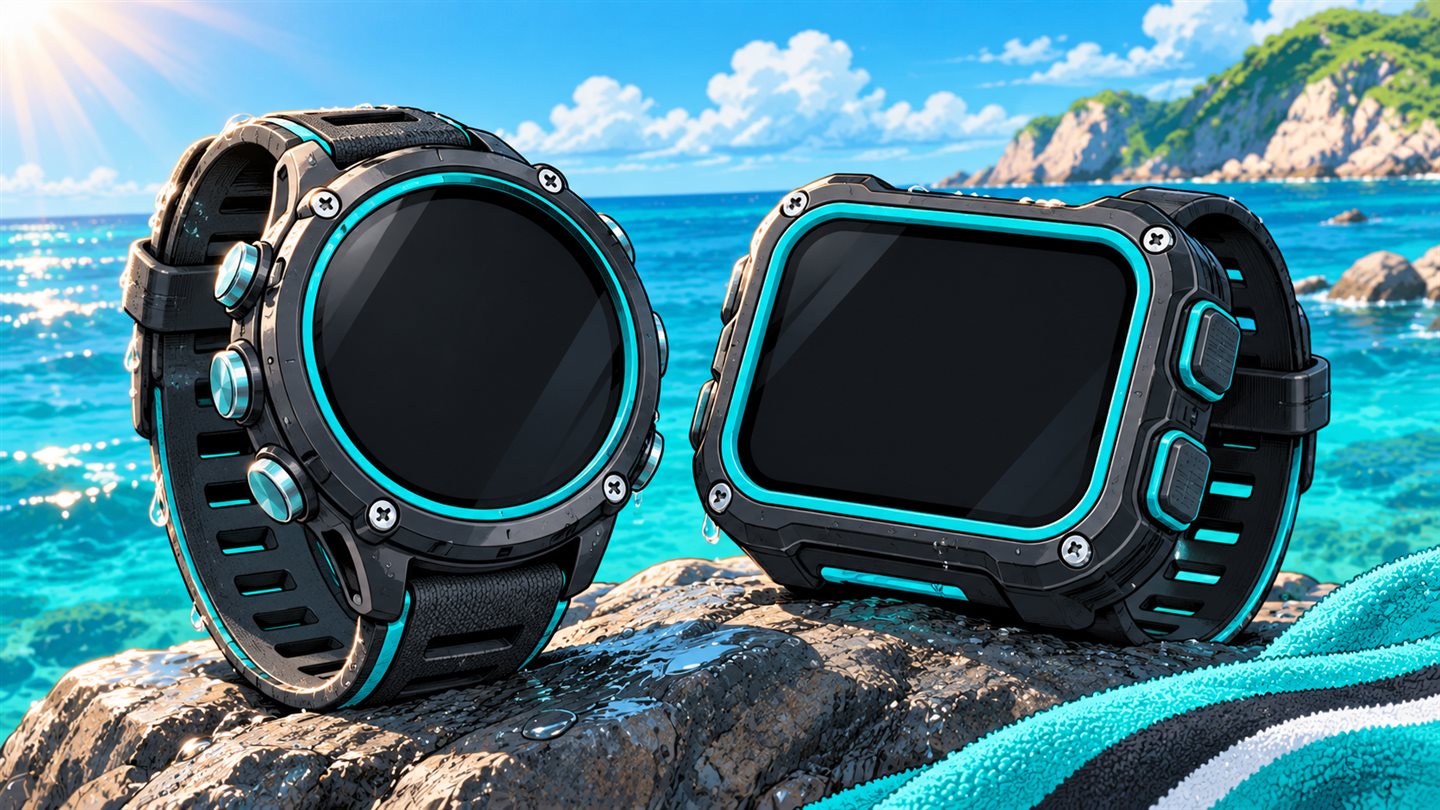
Compare display readability, controls, language and wearing comfort. Consider different lighting and whether the controls work for you while wearing gloves.
Check capabilities, not just price
Support for gas settings, wireless air integration, power, synchronisation and accessories varies. Check manufacturer specifications and your intended use, including transmitter and strap compatibility and whether they are included.
Understand dive history
A computer relies on its own dive-history information. A DAN case illustrates the risk of using another computer during repetitive diving without the prior history. Follow your training and manufacturer guidance if a device fails or must be changed.
A device does not replace training
Read the manual and learn settings and limitations before diving. A computer is an aid, not a guarantee of zero risk or a substitute for training, a plan and buddy communication.
Sources
This article is for general information and learning only. It is not medical advice or a substitute for dive training. Follow your training and the guidance of qualified professionals, taking actual conditions into account.